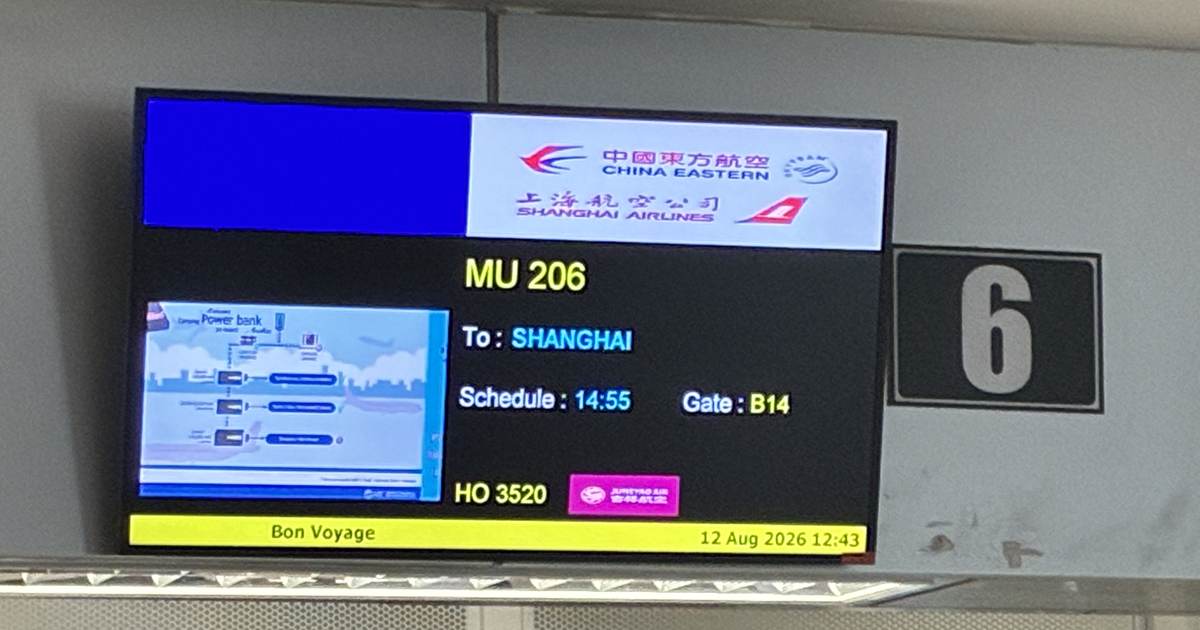
CHINA · CONNECTIVITY
This guide contains affiliate links. If you buy through them I may earn a commission at no additional cost to you.
I bought an Airalo China eSIM a week before I flew — US$19.00, five days, unlimited data. I thought that was the job done. It was not. During my two-hour connection at Shanghai Pudong, I could not finish the setup until I used a second eSIM I had almost forgotten about.
This is what happened on one trip, Chiang Mai to Shanghai to Qingdao and back, 12 to 15 August 2026. I used two eSIMs, and those two are all I can tell you about. If you want the setup I run day to day, that is in the eSIM setup I use in Thailand and Japan.
What I bought, and what it cost
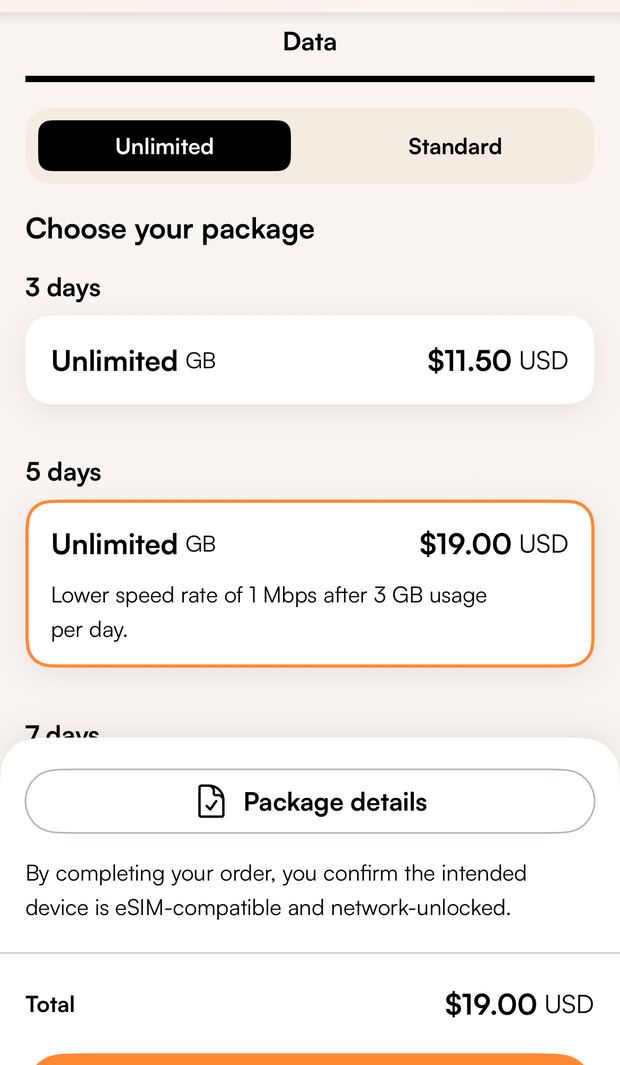
Airalo, China, unlimited, five days: US$19.00. I bought it on 5 August, a week before departure.
The same screen offered a three-day plan at US$11.50. I did not buy it — it was the price sitting next to the one I chose.
Two things in the small print that matter:
- Hong Kong and Macau are not covered.
- “Unlimited” means the data does not run out, but the plan I bought states that full speed is limited to 3GB per day. Above that, it drops to 1Mbps.
Across four days I never had a moment where I thought the connection had been slowed. I was working on it daily.
Before you buy: three things to check
Three conditions decide whether this works for you at all, and none of them is about China.
- Your phone has to support eSIMs. If your settings let you add an eSIM, it does.
- Your phone must not be carrier-locked. Airalo states that a carrier or network-locked device cannot use its eSIMs.
- This is a data plan. Airalo’s China packages are data-only. There is no phone number, and no ordinary calls or SMS over the mobile network. Internet-based calls and messaging apps work, but set them up before you go — that is Airalo’s own advice, and after my night at Shanghai I would repeat it.
I used mine on an iPhone alongside my regular line.
The mistake: buying is not installing
My connection at Shanghai Pudong was two hours and fifteen minutes, 20:00 to 22:15 on 12 August. That should have been plenty.
I had bought the eSIM. I had not installed it. Those are two different steps, and I had only done the first one.
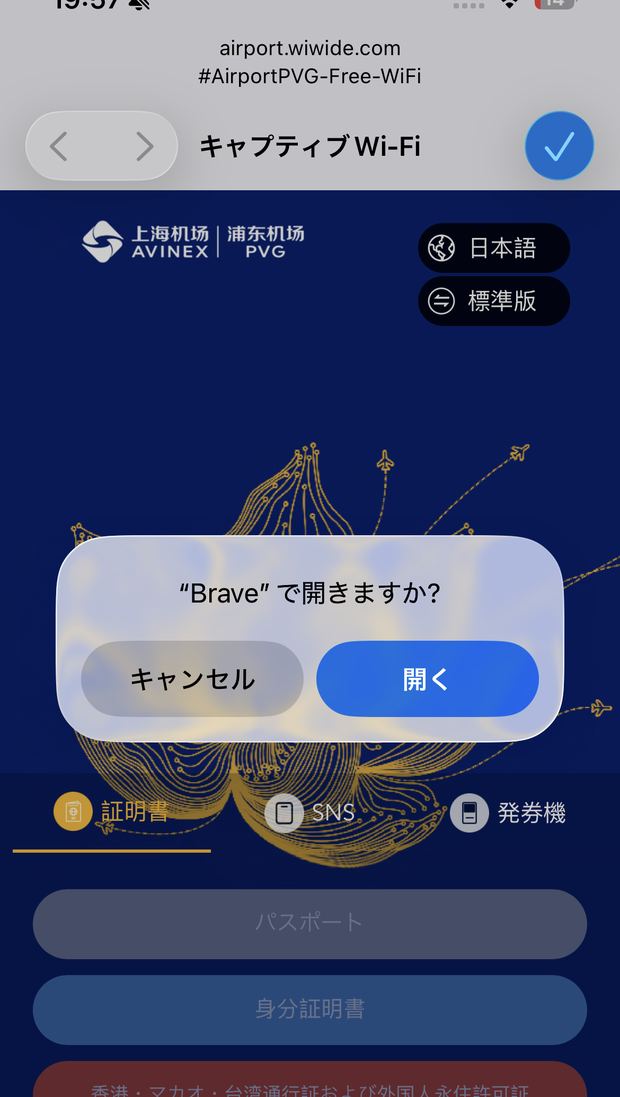
On the airport Wi-Fi, neither the Airalo setup page nor the email containing my confirmation would open on my phone.
What got me through was a free Trip.com eSIM that had come with a booking and that I had never activated. I turned that on first, and once I had a connection of my own, I finished installing the Airalo one — with about twenty minutes left before boarding.
Install the eSIM before you leave. Airalo’s own guidance is to install it while you have a stable connection, and you can do that before you enter the coverage area. Mine was bought early and installed late, and that is the part that cost me.
Two eSIMs, one local network
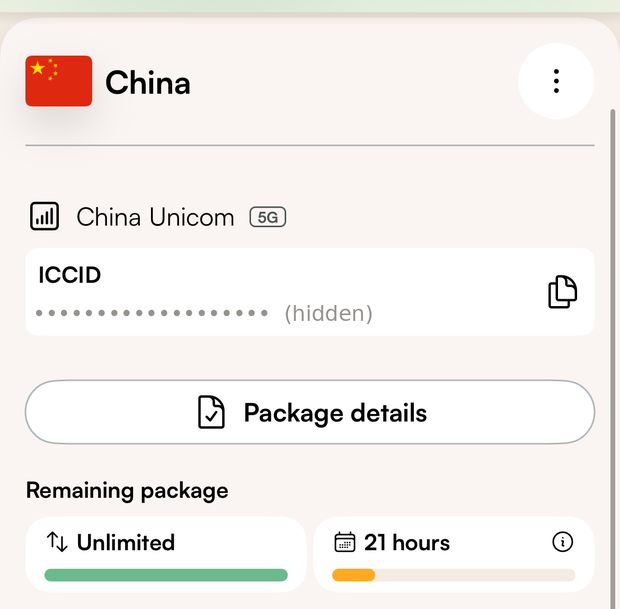
Once both were running, I looked at what they were connected to. Both showed China Unicom, on 5G.
The two eSIMs did not give me access to two different local networks. That is as far as my phone screen lets me go — what a handset displays is the visited network, and it does not tell you how the traffic is carried after that.
Still, it is worth saying what actually happened: the second eSIM did work as a way in when the first one was stuck. It was a way to reach a setup page.
The first night
I landed in Qingdao at 23:50. For roughly the next two hours, neither eSIM would connect.
That covered the hour it took to get from the airport to the hotel. No maps, no messages, no way to tell anyone where I was. It came back somewhere around one or two in the morning, and from then until I flew home it was steady.
I tried several things during those two hours, but I cannot tell whether any of them worked or whether the connection returned on its own.
What it was like once it worked
From the hotel onwards it was good. Better than I expected.
On my iPhone, LINE, Gmail and Google Maps worked from the hotel onwards. I tethered my laptop to the phone and worked on it for three days — internet-based calls, email, and the sites I use for my own business. Nothing about the connection got in the way. For four days of work travel, one US$19.00 eSIM covered everything I needed.
The plan was fine. My preparation was not.
What I would do differently
- Install the eSIM before leaving. Buying it a week early did nothing for me because I stopped at the purchase.
- Treat a backup line as a way through the first hour, not as insurance for the trip. I needed the second eSIM once, at the start. After that it sat unused.
- Plan the connection as if your phone will not work. Two hours and fifteen minutes is comfortable if it does. It is not if you are setting up a connection you should have set up at home.
China eSIM · 5 days · data-only · unlimited data, with full speed limited to 3GB per day on the plan I bought · Hong Kong and Macau not covered
I paid US$19.00 for this myself on 5 August 2026. This is not a broad comparison; the only other China eSIM I used was the free Trip.com one described above, and I do not receive a commission from Trip.com. Prices and plan terms change — check the current page.
FAQ
Does an Airalo China eSIM have a data cap?
The data does not run out. The plan I bought states that full speed is limited to 3GB per day, dropping to 1Mbps above that. Across four days of daily use I never noticed a slowdown.
Can I make phone calls with it?
Not over the mobile network. Airalo’s China packages are data-only, with no phone number. Internet-based calls and messaging apps work — set them up before you travel.
Does it cover Hong Kong and Macau?
No. They are excluded.
Can I install it after I land?
I could not finish the installation over the airport Wi-Fi, so I would install it before leaving. Airalo’s guidance is to install while you have a stable connection, which you can do before entering the coverage area.
Do two eSIMs give you two networks?
Not necessarily. Both of mine showed the same local network, China Unicom.
Is five days enough?
It was for a four-day trip. The clock started when I first connected in Shanghai, not when I bought it.

I split the year between Kamakura, Japan and Chiang Mai, Thailand, and write these guides from our own records, our own experience, and named sources. More about me.